Home
Home BlogHow to Top Up Last War Survival (Step-by-Step Guide)
How to Top Up Last War Survival (Step-by-Step Guide)
 Quinn Thompson


- What Does “Top Up” Mean in Last War Survival?
- Method 1: Topping Up Through the In-Game Store
- Method 2: Using a Trusted Third-Party Top Up Platform
- Step-by-Step: How to Top Up Last War Survival via KeyGold
- Is It Safe to Use Third-Party Top Up Services?
- Common Top Up Mistakes to Avoid
- When Is Topping Up Worth It?
If you’re playing Last War Survival seriously, you’ll eventually reach a point where progression slows down. Building upgrades take longer, key items become scarce, and event competition gets tougher. That’s when many players consider topping up to speed things up.
This guide walks you through how to top up Last War Survival safely and efficiently, explains your available options, and helps you choose the method that fits your budget and playstyle.
What Does “Top Up” Mean in Last War Survival?
In Last War Survival, topping up means purchasing in-game currency or packs using real money. These purchases are commonly used for:
Speeding up building and research timers
Unlocking premium items and bundles
Gaining an edge in limited-time events
Supporting long-term account progression
While the game offers an in-app purchase system, many experienced players look for alternative top-up options that provide better value.
Method 1: Topping Up Through the In-Game Store
The most straightforward method is using the official in-game store.
Steps:
Open Last War Survival
Tap the in-game store icon
Select the currency or bundle you want
Complete payment via App Store or Google Play
Pros:
Official and fully supported
Instant delivery
Cons:
Prices are fixed
No discounts or promotions
Limited payment flexibility
For casual players, this option is fine. For frequent spenders, however, costs add up quickly.
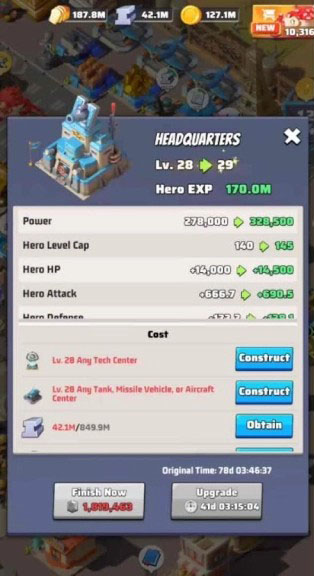
Method 2: Using a Trusted Third-Party Top Up Platform (Recommended)
Many long-term players prefer to top up Last War Survival through a trusted third-party platform, where better pricing and more flexible payment options are often available compared to the in-game store.
A popular option is completing a Last War Survival top up through a reliable third-party service that supports secure, UID-based delivery without requiring account login credentials.
This method is especially favored by experienced players who top up regularly and want better overall value while maintaining account safety.
Why players choose this method:
Lower prices compared to the in-game store
Frequent promotions and seasonal discounts
No account login required (UID-based delivery)
Multiple global payment options
For players who care about cost efficiency, security, and convenience, this approach has become the preferred way to top up in Last War Survival.
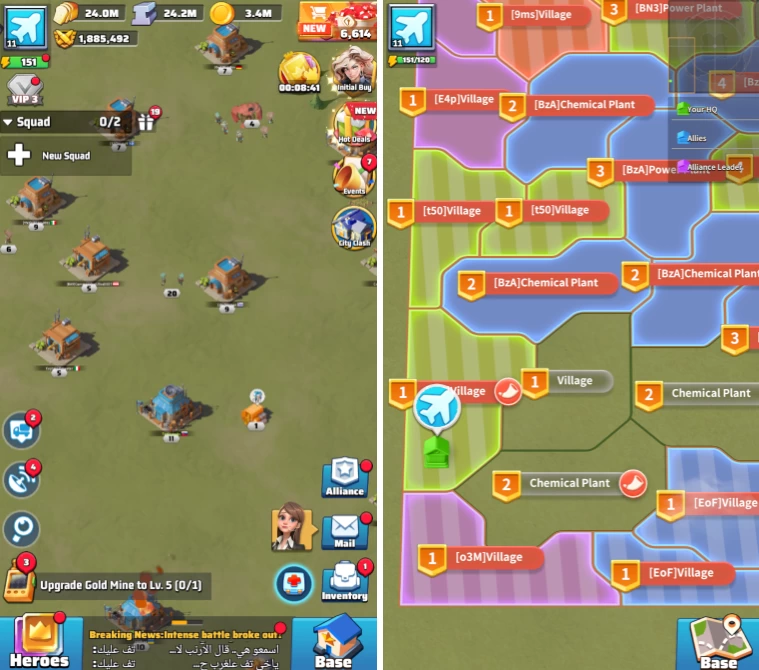
Step-by-Step: How to Top Up Last War Survival via KeyGold
Visit the Last War Survival top up page
Select your preferred top-up package
Enter your Player ID (UID) correctly
Choose a payment method and complete checkout
Receive the currency directly in-game, usually within minutes
💡 Tip: Always double-check your UID before confirming payment to avoid delivery issues.
Is It Safe to Use Third-Party Top Up Services?
Yes—as long as you choose a reputable platform.
A safe top-up platform should:
Require only your Player ID, not your login credentials
Use official or authorized delivery channels
Offer customer support and clear refund policies
Avoid sites that ask for your game password or promise “unrealistically cheap” currency.
Common Top Up Mistakes to Avoid
Entering the wrong Player ID
Purchasing packs not suitable for your game stage
Overspending during limited-time events without planning
Using unverified platforms
Smart topping up is about efficiency, not impulse spending.
When Is Topping Up Worth It?
Topping up makes the most sense when:
You’re hitting progression bottlenecks
A limited-time event offers lasting rewards
A small purchase saves days or weeks of waiting
If spending helps unlock real progress—not just cosmetic value—it’s usually worth considering.
Final Thoughts
There’s no single “right” way to top up in Last War Survival. The best approach depends on how often you play, your goals, and your budget.
For players who want better value, safer delivery, and more flexibility, choosing a reliable third-party option can make a big difference. Used wisely, topping up becomes a tool—not a trap—for long-term progression.

 320
320 5.0
5.0 Dawn Fund$15.12-$4.87$19.99
 Super Monthly Pass$18.9-$6.09$24.99
 WeeklyPass$15.12-$4.87$19.99
 ANY 0.99 PACK$0.77-$0.23$0.99
 ANY 1.99 PACK$1.5-$0.49$1.99
 ANY 3.99 PACK$3.02-$0.97$3.99
 ANY 4.99 PACK$3.77-$1.22$4.99
 ANY 9.99 PACK$7.56-$2.43$9.99
 ANY 19.99 PACK$15.12-$4.87$19.99
 ANY 49.99 PACK$37.82-$12.17$49.99
 ANY 99.99 PACK$78.99-$21$99.99
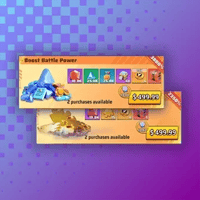 ANY 499.99 PACK$434.99-$65$499.99
 ANY 999.99 PACK$879.99-$120$999.99
 All-In-One Standard Pack$154.61-$30.34$184.95
 3205.0